
Basics · 7 min read
What is presbyopia?
Causes, symptoms and solutions.
Struggling to see nearby objects clearly as you enter your 40s? You are not alone. Discover the science behind presbyopia, its impact on daily life, and solutions beyond reading glasses.
What is it?
Presbyopia is a natural part of ageing that typically begins in your early 40s, making it harder to focus on nearby objects such as a phone screen or a menu in low light.
It is not a disease, but a common physiological change that affects around two out of three people after the age of 35. For people who spend a lot of time reading or working on screens, this gradual shift in near vision can become a daily frustration.
In today's digital world, where close-up tasks are constant, addressing presbyopia has become more important than ever.
Early signs to watch for
- Holding things farther away
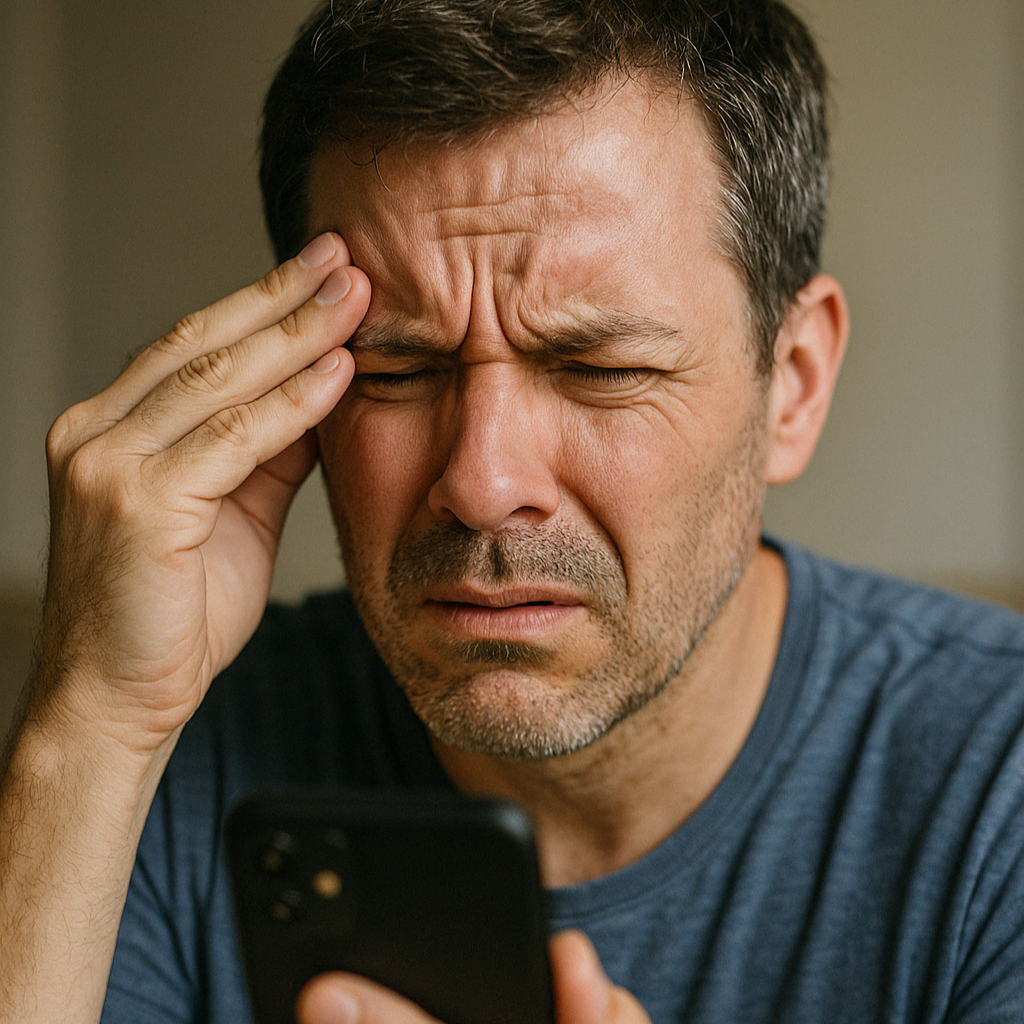
- The classic “my arms are too short” feeling-stretching your phone or menu away to read it clearly.
- Reading in low light
- Night reading gets harder and blurrier unless you increase the screen brightness.
- Eye strain and headaches
- Focusing on near objects for long periods can cause tension and fatigue.
- Constant adjusting
- Taking glasses on and off or zooming in can be a sign that your eyes are struggling to keep up.
Why it's more common than ever
Presbyopia is not new, but our digital lifestyles are making it more noticeable. People in their 40s and 50s can spend 7–10 hours per day on screens-reading emails, texting, browsing, or working with documents.
Each glance requires your eyes to refocus on a nearby object, which becomes harder with age.
A software approach
Introducing Glassless
Glassless is a screen-based solution for presbyopia that adapts your device display to your vision.
Instead of glasses or surgery, Glassless subtly adjusts your screen's clarity, non-invasively and in real time.
- Non-invasive. Works with your existing devices.
- User-friendly. Easy to use on phones or tablets.
- Discreet. No external devices or additional hardware needed.

Check yourself: a quick self-assessment
- Do you hold your phone or book farther away to read clearly?
- Have you increased the font size on your screen or turned up the brightness?
- Do you experience eye fatigue or headaches during or after reading?
- Do you switch between different pairs of glasses throughout the day?
If you answered “yes” to two or more, you may be experiencing early signs of presbyopia.
Early access
Join the Glassless waiting list.
Be among the first to experience a smarter, screen-based solution for presbyopia and receive updates from our team.
Join now